 Gladiatus automation
Lemur Browser
- Install Lemur Browser from the Play Store.
- Open Lemur and go to the Chrome Web Store.
- Open the GladiusBot page and tap Add to Lemur / Add to Chrome.
- Open Gladiatus in Lemur and turn the bot on from the extension.
GladiusBot automates expeditions, arena, circus, smeltery and daily routines with a rustic interface integrated into the game — licensed, secure and built for serious players.
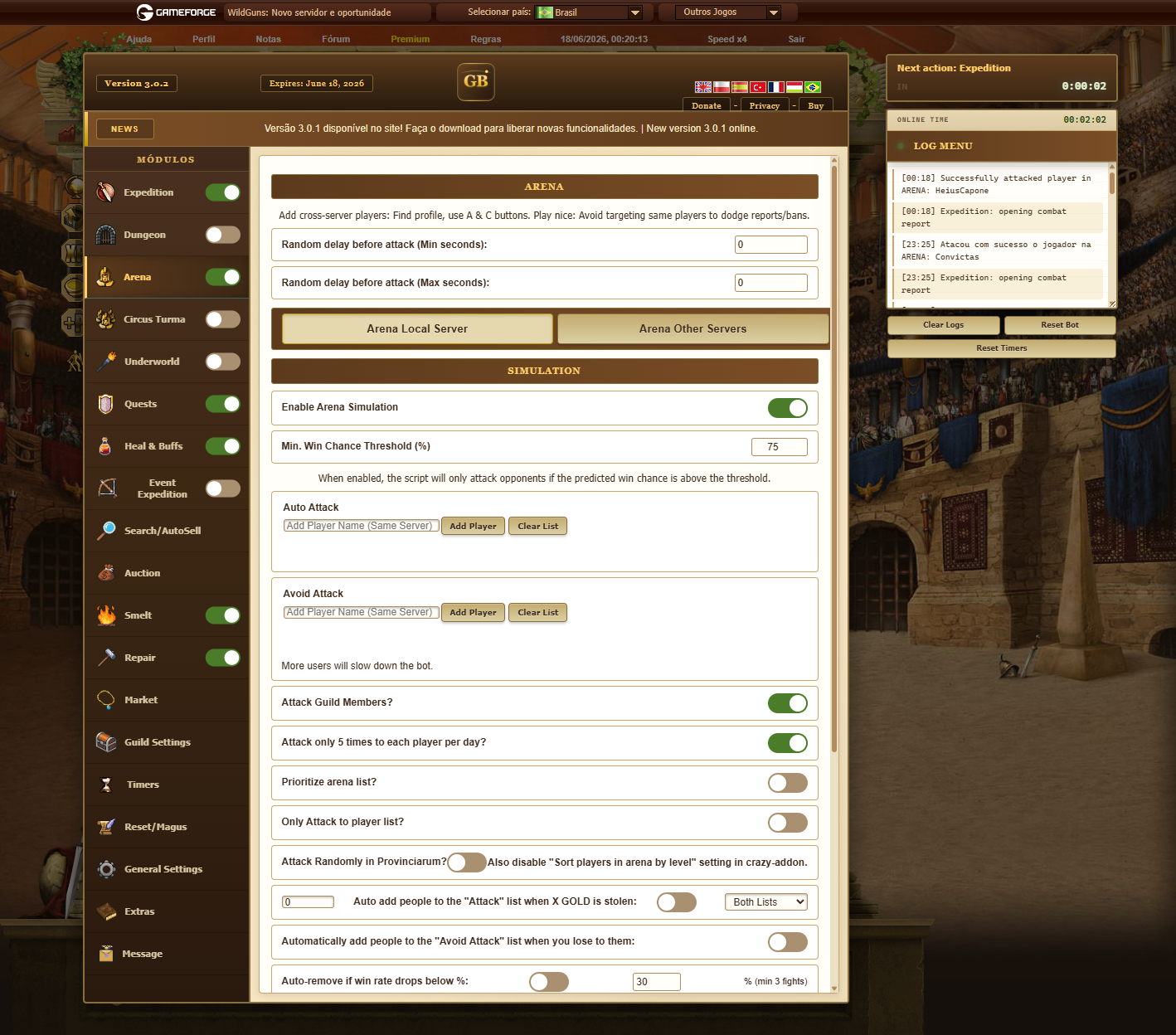
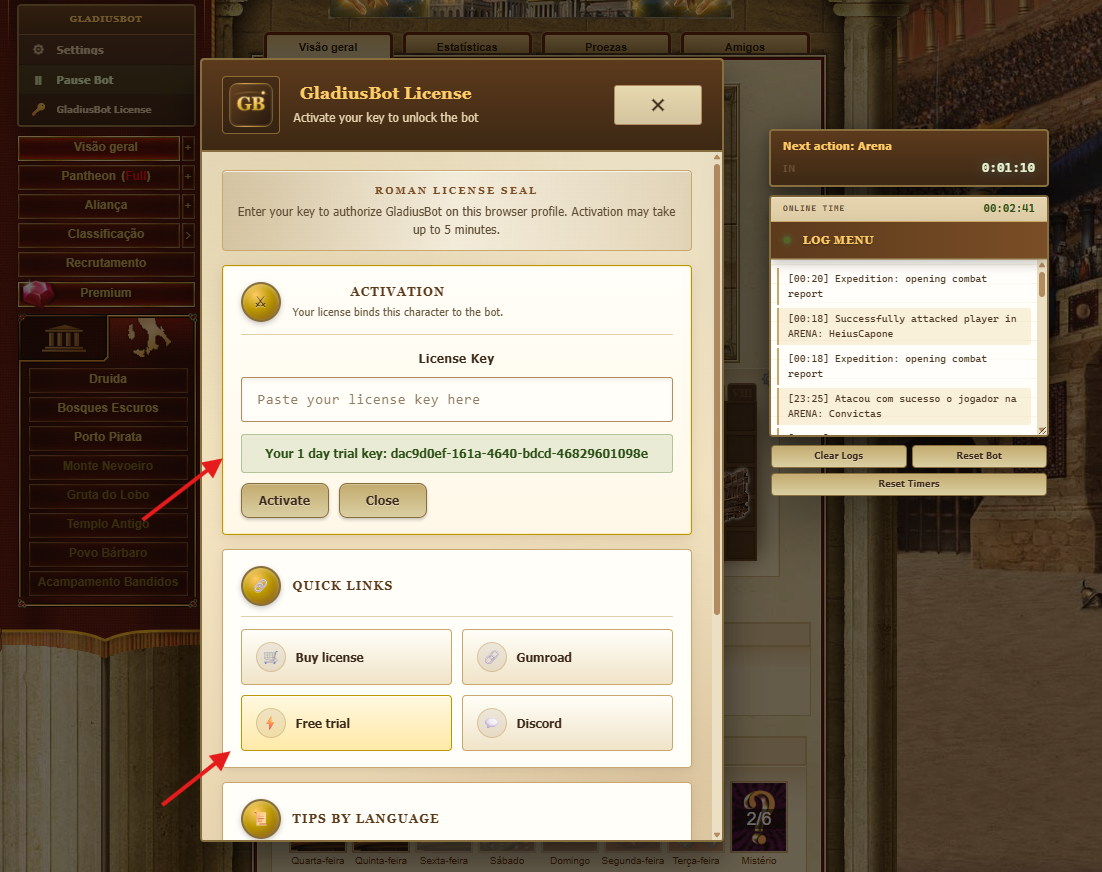
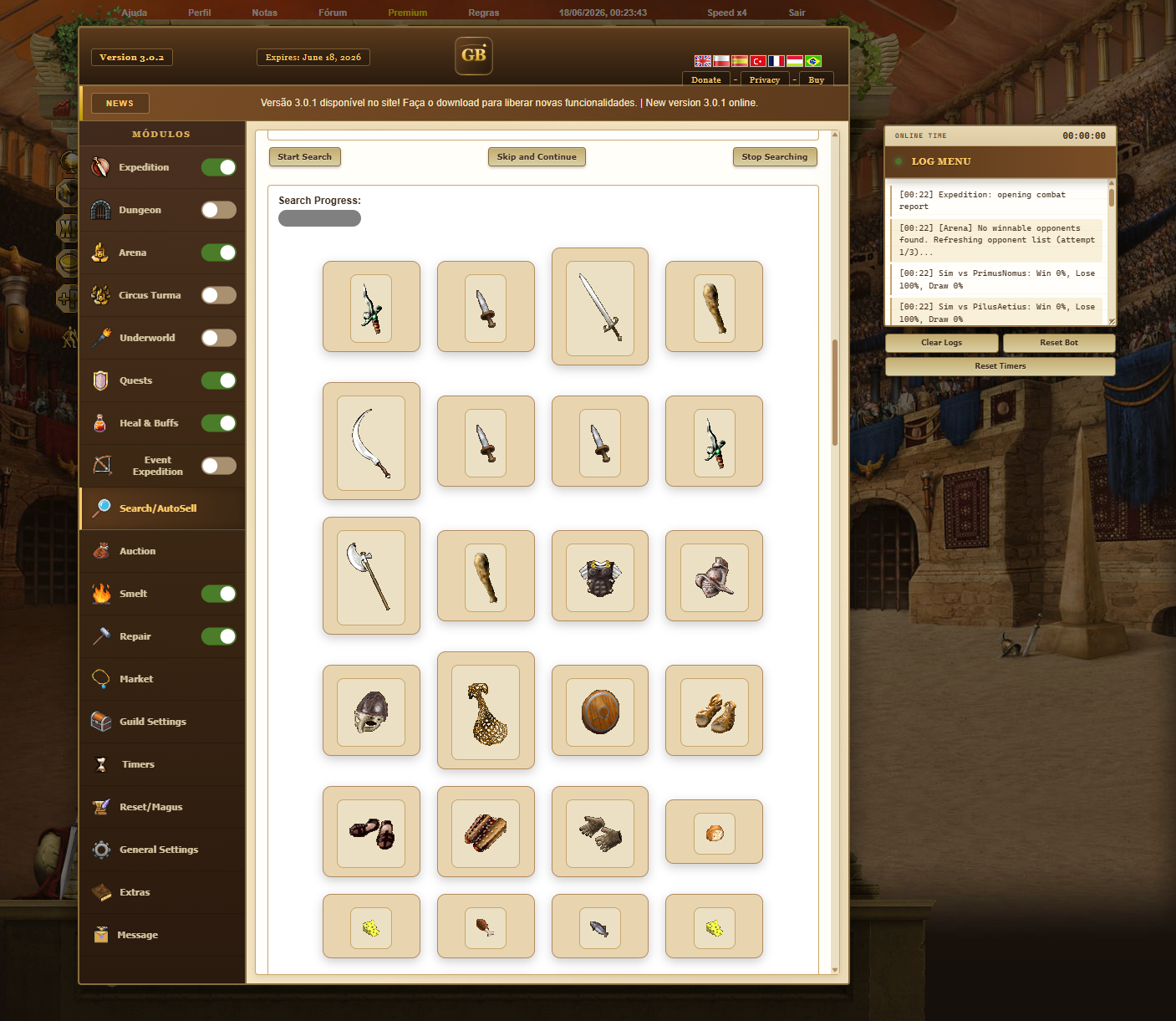
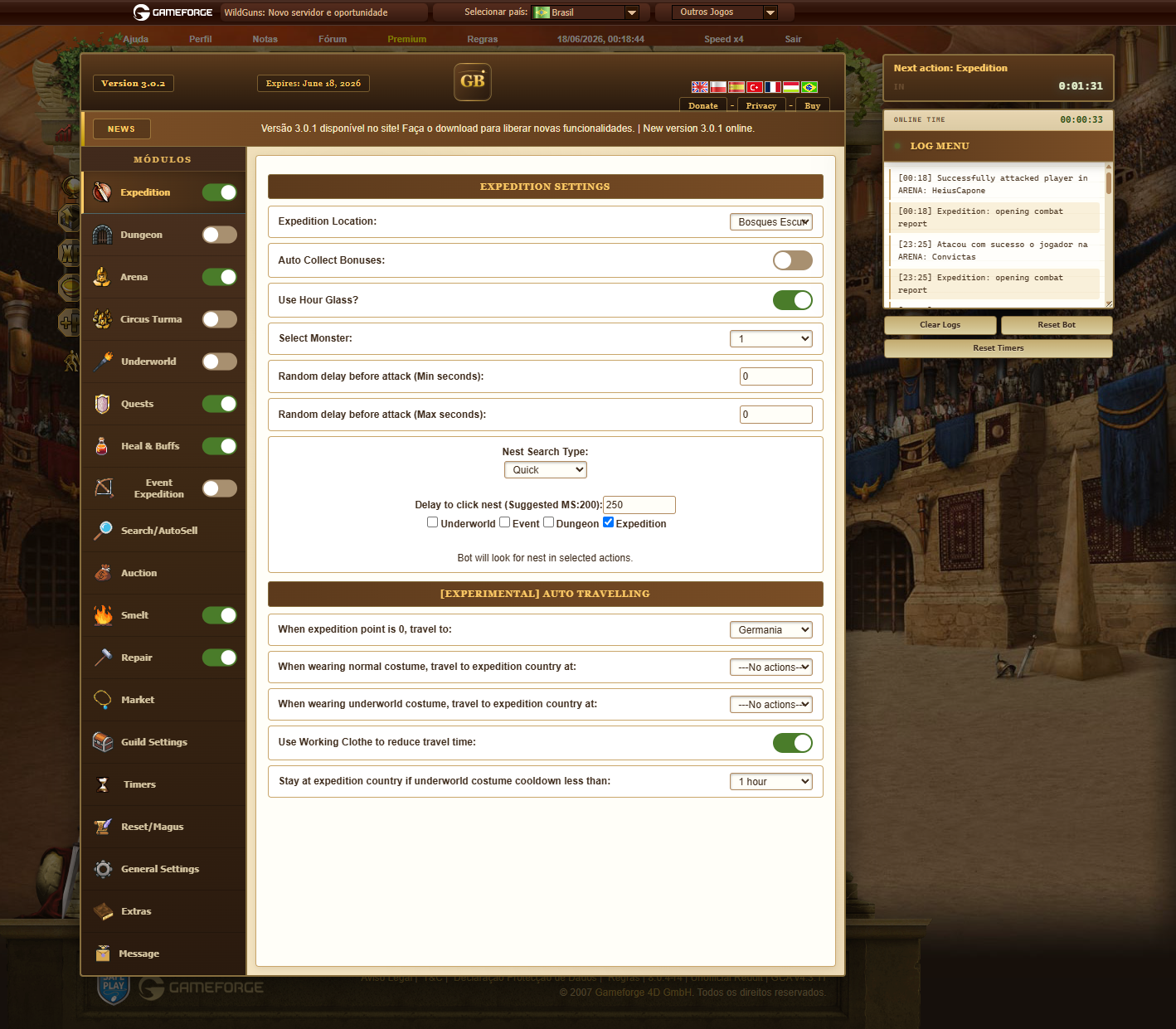
Interactive demo
Open every tab, flip the switches, add names to the arena list. This is the GladiusBot interface in the browser — nothing is saved and nothing runs on a character.
Step-by-step guides for installing GladiusBot and activating your license. More videos will be added over time.
Download the ZIP, extract the folder, open chrome://extensions, enable Developer mode, and load the unpacked extension.
We will redirect you to the best payment option for your region.
Buy your GladiusBot license with USDT (Tether) or a Binance Gift Card. Fast, global, no bank card required.
USDT — direct transfer price
USDT is a stablecoin pegged to the US dollar, so the price stays fixed. Prefer the Binance Gift Card? See the plans on the right — no network fee, no risk of choosing the wrong network.
Pay with a USDT gift card code
Buy from Binance's trusted merchants
Open Binance trusted merchantsPrefer merchants with the verified badge and a high completion rate.
Choose your plan

